Technology
Google Code Wiki Review: Is This the End of Writing Documentation Manually?
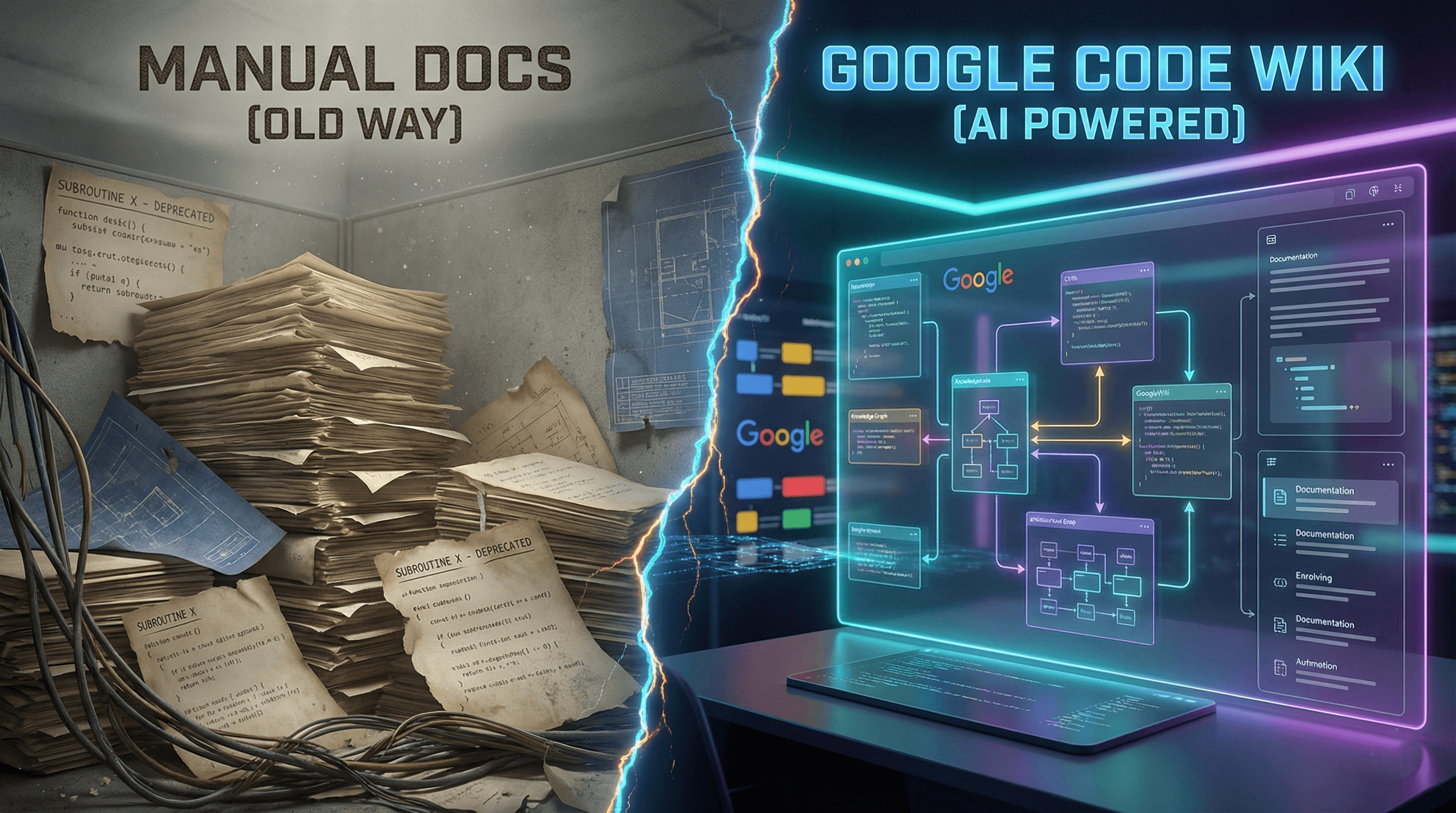
The Problem We All Ignore
Let’s be real for a second. When was the last time you enjoyed writing a README.md file?
If you are like 99% of developers, the answer is "never." We love writing code, designing architectures, and solving complex logic. But documenting it? That’s the chore we push to Friday afternoon and eventually forget.
The result is "stale documentation." You join a new project, open the Wiki, and realize it describes a system architecture that was deprecated six months ago. It’s frustrating, it’s inefficient, and it costs companies millions in wasted onboarding time.
But after testing Google’s new Code Wiki (released late 2025), I think that era might finally be over.
I spent the last week analyzing how Code Wiki works under the hood, reading through the release notes, and testing it against real repositories. Here is the full breakdown of why this tool is actually different from the "AI Hype" we are used to.
What Actually is Google Code Wiki?
Most people confuse Code Wiki with Gemini Code Assist (Google’s version of GitHub Copilot). They are not the same.
- Code Assist helps you write code.
- Code Wiki helps you understand code.
Technically speaking, Code Wiki is an AI-driven documentation engine. It connects to your repository (currently Public repos via web and Private repos via Gemini CLI) and scans every single line of code, comment, and commit.
Then, it builds a "Living Wiki".
Unlike a static Notion page or a GitHub Wiki that a human has to type out, Code Wiki regenerates itself. If you change a class structure in Python, the Wiki updates the documentation for that class automatically when you push the commit.
Under the Hood: How It Works
I dug into the technical details to understand how it handles large codebases without hallucinating.
- Repo-Wide Context: Unlike standard LLMs that only see the file you have open, Code Wiki indexes the entire repository. It builds a knowledge graph of how your functions, classes, and modules interact.
- The "Update Loop": When a PR (Pull Request) is merged, Code Wiki triggers a re-scan. It detects the delta (changes) and rewrites only the affected documentation sections.
- Visual Generation: This is the killer feature. It doesn't just write text; it draws. It uses Mermaid.js-style logic to generate Sequence Diagrams and Class Diagrams on the fly.
Note: This is a massive leap from tools like ChatGPT. You can’t paste a 10,000-file repo into ChatGPT. Code Wiki lives inside the repo's context.
3 Features That Changed My Workflow
- The "Self-Healing" Documentation I tested this by refactoring a messy authentication module in a test app. Usually, I’d have to go update the API docs manually. With Code Wiki, I pushed the code, waited a few minutes, and refreshed the page. The Wiki had already updated the parameter lists and return types. It even added a note about the new error handling I implemented. It felt like having a junior developer dedicated solely to keeping docs updated.
- Conversational Search (No More Ctrl+F) Instead of searching for "UserLogin", I simply asked the chat interface: "How does the user session handling differ between mobile and web?" Because Code Wiki understands the connections between files, it gave me an answer citing the specific lines in auth_controller.py and middleware.ts. It links directly to the code, so you can verify the AI isn't lying.
- Architecture Visualization I hate drawing diagrams in draw.io. Code Wiki auto-generated a high-level architecture diagram of my project that was 90% accurate. It mapped out how my frontend talks to the API and how the API connects to the database. For a final year student or a new hire, seeing this visual map is 10x better than reading code.
Is It Perfect? (The Cons)
I want to be transparent it’s not magic.
- Context Limits: On massive monorepos (millions of lines), the update speed can be slower.
- Nuance: It’s great at explaining what the code does, but sometimes misses why a specific business decision was made. You still need humans to write "Architecture Decision Records" (ADRs).
- Privacy: For enterprise companies, you need to use the Gemini CLI extension to keep data local/secure, which adds a setup step compared to the plug-and-play web version.

The Verdict: Should You Use It?
If you are a student doing a final year project, absolutely. It will generate the documentation you need for your final report in minutes.
If you are a professional developer, this is the future. We are moving away from "Static Documentation" to "Dynamic Knowledge."
Google Code Wiki isn't just a tool; it’s a shift in how we treat code. It frees us to focus on building, knowing that the documentation will take care of itself.
Rating: 9/10 Best For: Teams who hate writing docs, Open Source maintainers, and complex legacy projects.
Have you tried the new Code Wiki yet? Drop a comment below or star the repo if you found this guide helpful!
Test Your Knowledge!
Click the button below to generate an AI-powered quiz based on this article.
Did you enjoy this article?
Show your appreciation by giving it a like!
Conversation (0)
Cite This Article
Generating...
.jpg&w=3840&q=75)